






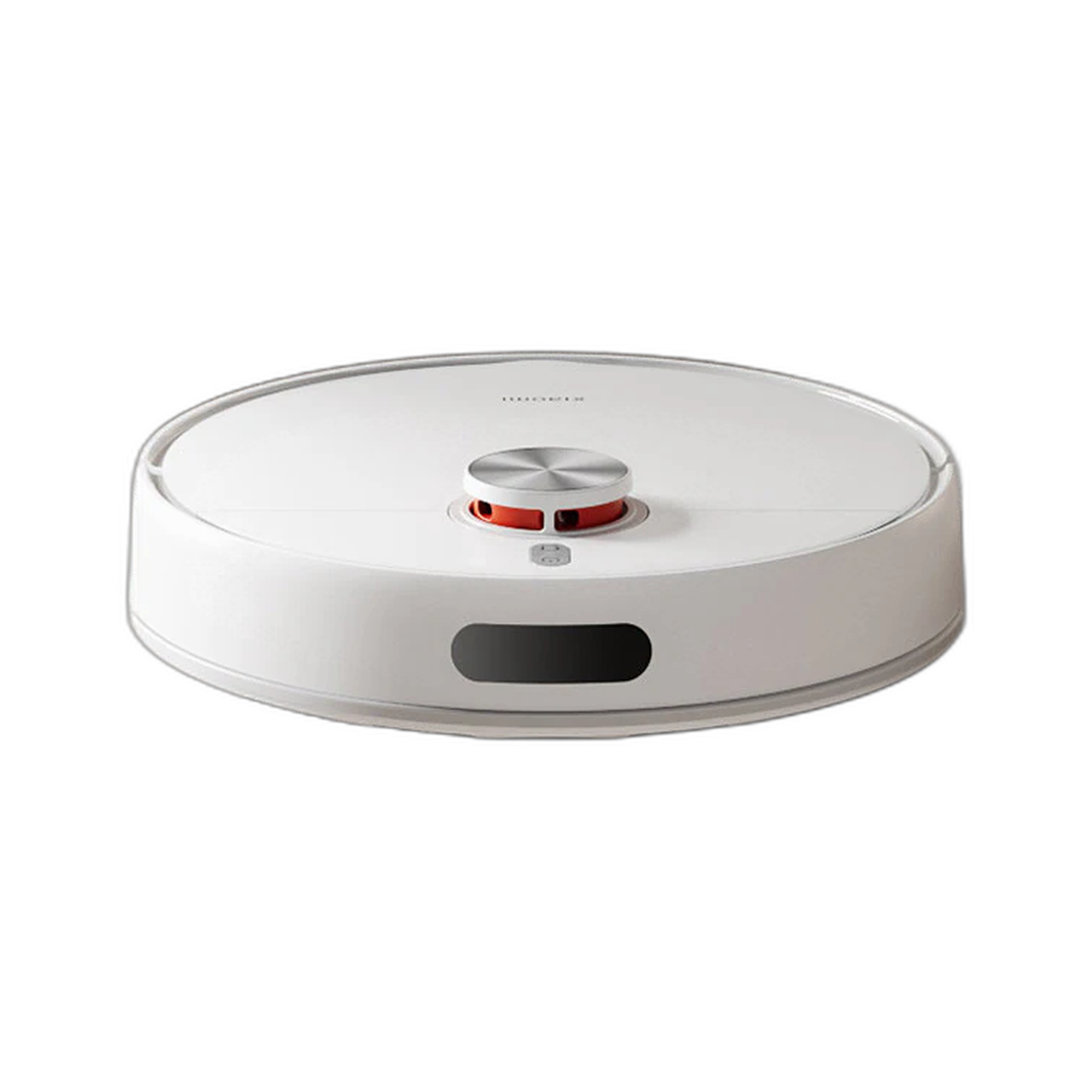
A smart home setup is easier when you choose by job: cleaning floors, monitoring the door, improving Wi-Fi, cooling a desk or making small home tasks easier.
The mistake many shoppers make is buying smart home products as a bundle before the household problem is clear. A better setup starts with one routine that causes friction every week, then adds devices only when they support that routine.
Quick answer
For most homes, start with one high-use area. A robot vacuum helps with floors, a camera helps with monitoring, a router supports the network, and a compact fan or tool solves smaller daily problems.
Think in rooms and jobs: floors need cleaning support, entrances need monitoring, study rooms need stable Wi-Fi, bedrooms need comfort, and kitchens need practical appliances. A smart home feels useful when each device has a clear job.
Choose by job
| Job at home | Good starting point | What to check |
|---|---|---|
| Cleaning floors | Robot vacuums | Floor type, mopping needs, obstacle handling and maintenance. |
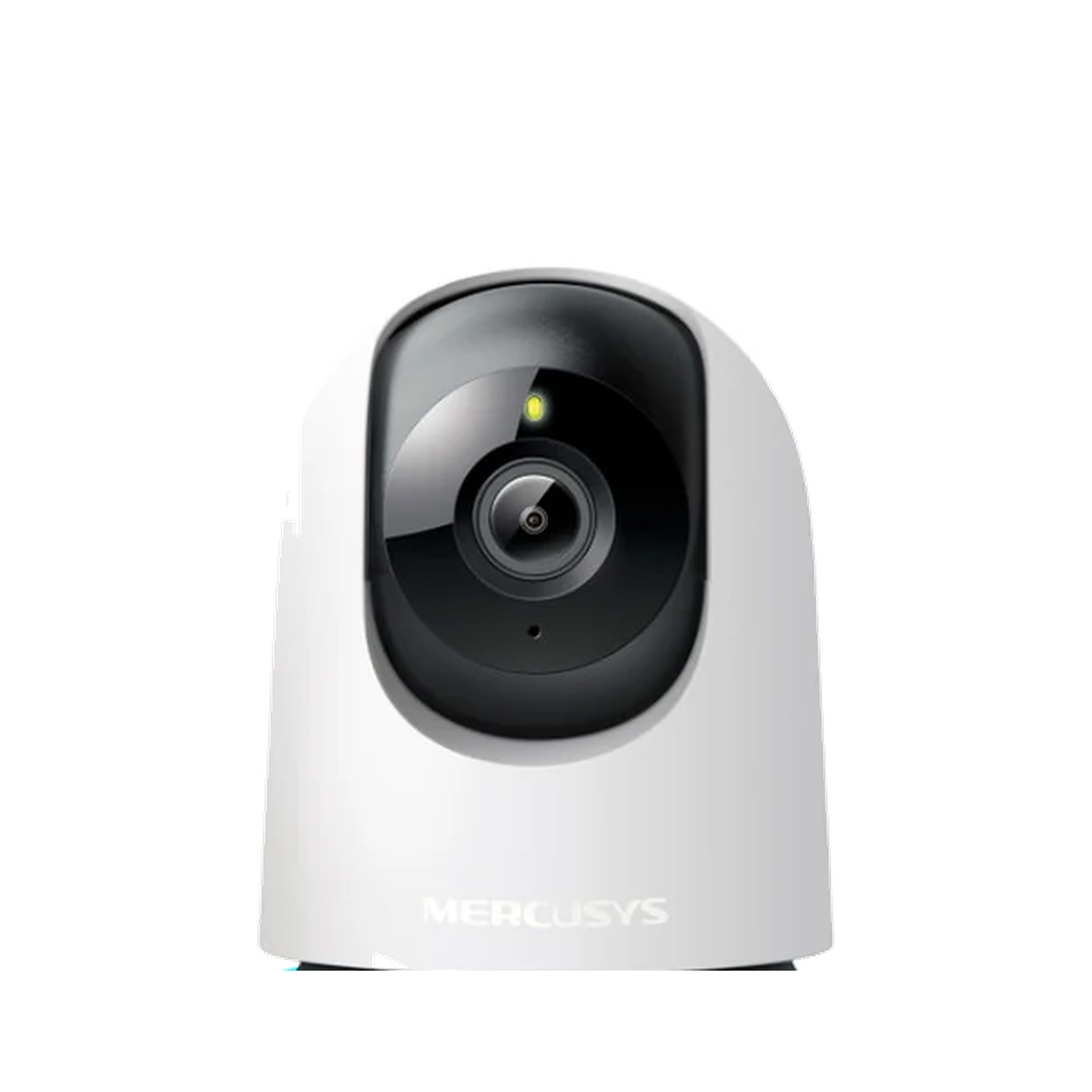
| Home monitoring | Security cameras | Resolution, pan-and-tilt, night vision, storage and app alerts. |
| Wi-Fi coverage | Routers | Home size, device count and setup requirements. |
| Daily comfort | JisuLife fans | Size, battery, noise and where it will be used. |
For cleaning, look at floor type, mopping needs, obstacle handling and maintenance. For monitoring, look at viewing angle, night vision, app alerts and storage. For Wi-Fi, think about home layout and device count before choosing a router.
Why this works better than brand-hopping
Brand names help only after the job is clear. A shopper who knows the room and problem can compare fewer products and make a better decision.
Brand-hopping can make every product look interesting, but it does not tell you what improves the home. A room-by-room approach keeps the setup practical and makes it easier to expand later.
What to avoid
- Do not buy a camera without checking storage and app needs.
- Do not buy a router without checking coverage needs.
- Do not buy a cleaning device without checking floor type and maintenance.
Avoid buying devices that create new chores. A robot vacuum still needs brush and bin maintenance, a camera still needs placement and storage decisions, and a router still needs sensible positioning.
A practical order for building the setup
- Start with the room used most often.
- Choose the problem that repeats every week, not a one-off inconvenience.
- Check power points, Wi-Fi coverage and product placement before buying.
- Add devices slowly so setup and maintenance stay manageable.
- Use brand pages only after the job is clear.
Common questions about smart home setup
What should I buy first for a smart home?
Start with the product that removes the most friction in your day: cleaning, monitoring, Wi-Fi or comfort.
Can I mix brands?
Yes. Many shoppers mix brands by job, as long as each product fits the room, app setup and daily routine.
What is the easiest smart home mistake to make?
Buying too many devices at once. It is better to start with one product that solves a clear problem, learn how it fits your routine, then add the next device only when there is a real need.
How do I choose between a camera and a robot vacuum first?
Choose a camera first if monitoring gives you more peace of mind. Choose a robot vacuum first if floor cleaning is the bigger daily annoyance. The right first device is the one that removes the most repeated friction.


Leave a comment
This site is protected by hCaptcha and the hCaptcha Privacy Policy and Terms of Service apply.