






Eraspace Singapore is a place to compare smart devices, phones, wearables, TVs, tools and accessories without jumping between unrelated shops and product pages.
The practical value of Eraspace is that shoppers can move between brands and categories without starting the search from zero each time. That matters when a home setup might involve a phone, fan, router, camera, TV, tool and bag rather than only one product type.
Quick answer
Use Eraspace Singapore when you want a guided way to browse lifestyle tech by brand or category, then check the product page for exact variants, price, delivery and support details.
Use Eraspace as a guided catalogue: start from a brand if you already know what you want, start from a category if you know the problem, and use support or comparison pages when two options are close.
What shoppers can use Eraspace for
- Comparing Xiaomi, Nothing, HOTO, FIVE, Ninetygo, TCL, JisuLife and TP-Link routes.
- Finding smart home products such as vacuums, cameras, routers and air care devices.
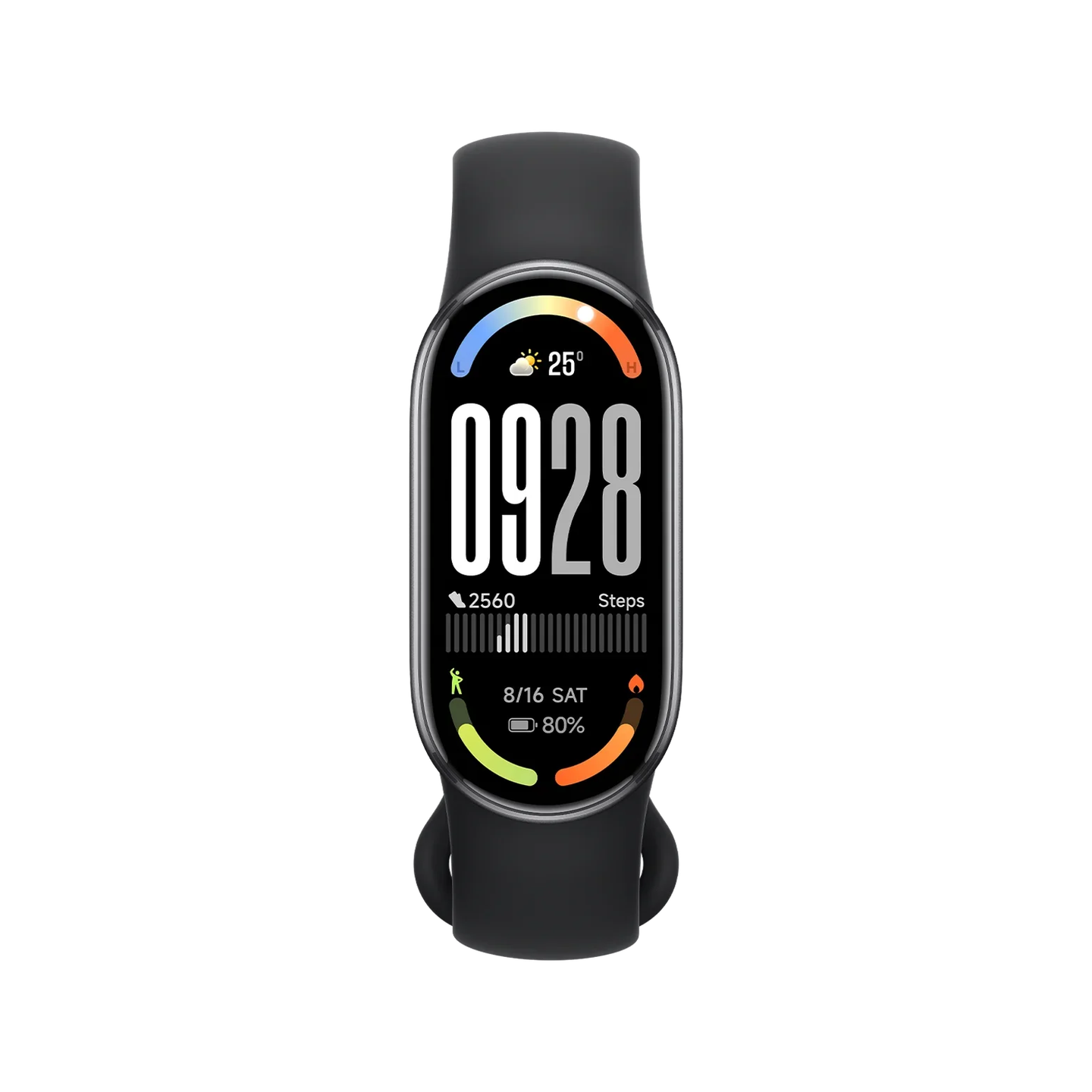
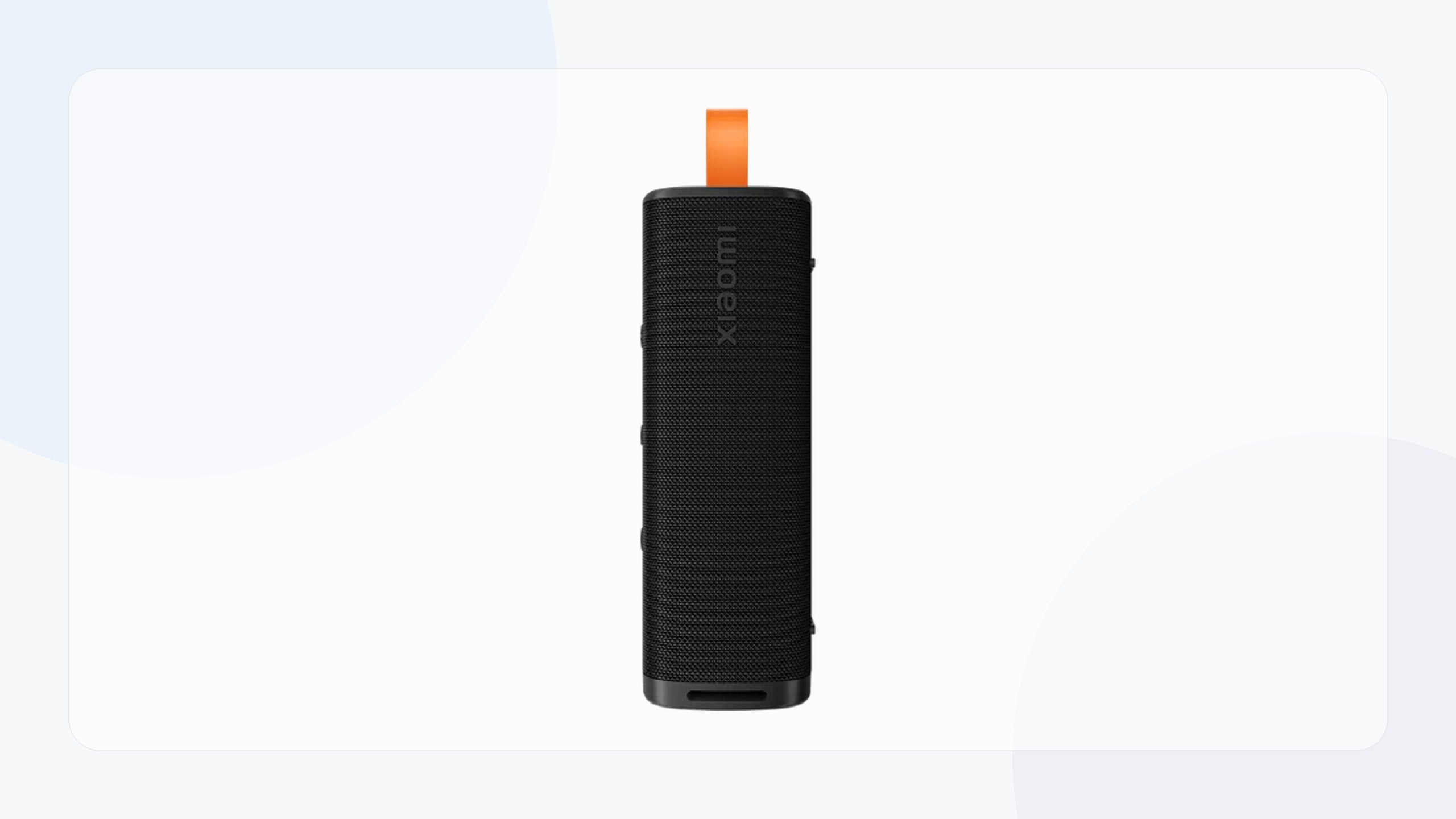
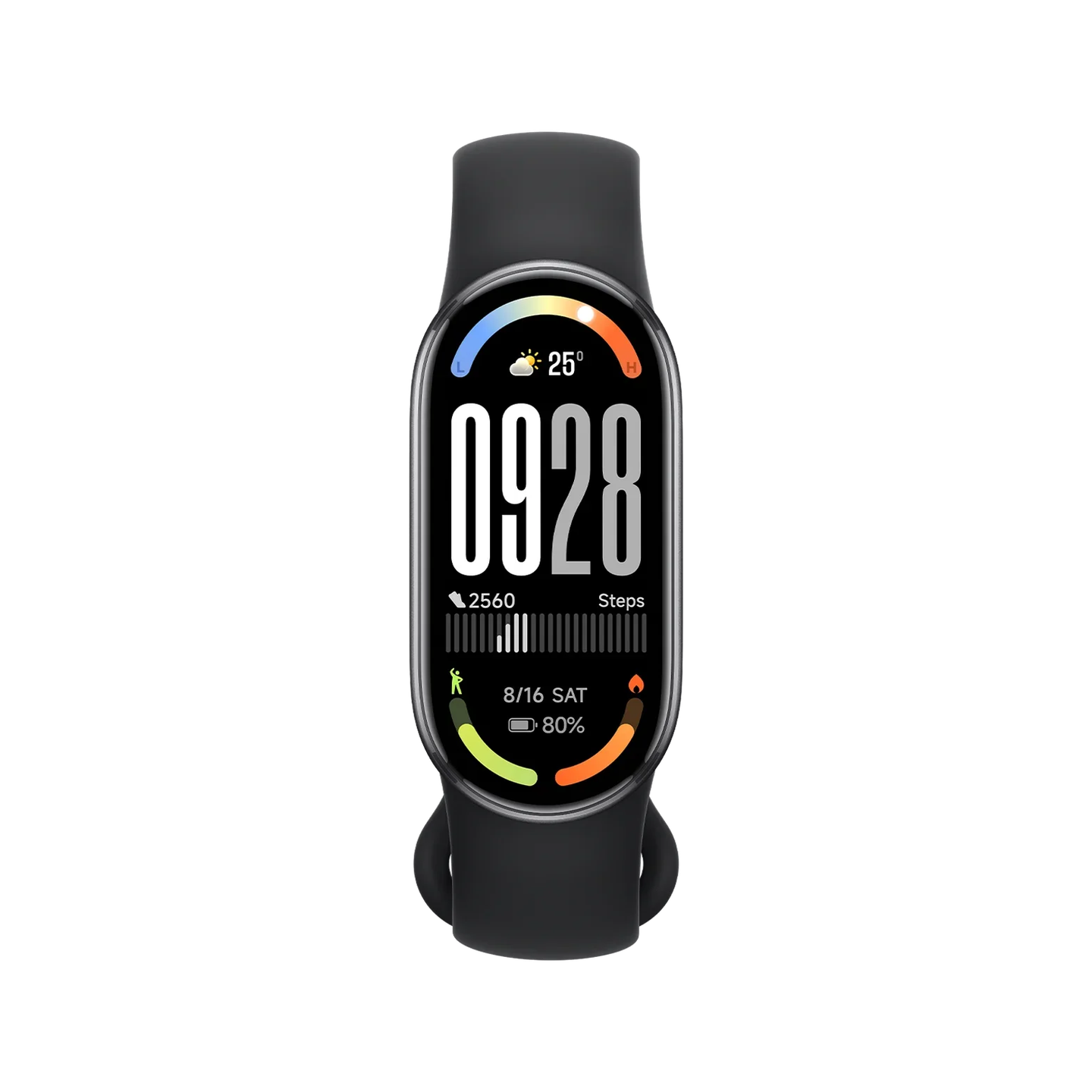
- Browsing practical accessories, tools, bags, TVs and wearables.
The catalogue is useful for everyday technology decisions rather than only one-off gadget browsing. A shopper can compare mobile devices, smart home products, fans, tools, TVs, bags and accessories in a more connected way.
Best ways to start
| If you know... | Start with... | Why |
|---|---|---|
| The brand | Brand collections | Fastest route when you already know what you like. |
| The job | Categories | Better when you know the problem but not the model. |
| Two possible products | Compare page | Helps narrow choices before checkout. |
If you are new, choose one browsing route and stay with it for a few minutes. Brand-first browsing is fast when you already like Xiaomi, Nothing or JisuLife. Category-first browsing is better when the need is “camera”, “TV”, “fan” or “robot vacuum”.
What to check on any product
Open the product page and confirm model, variant, colour, stock state, price, delivery details and support notes before buying.
The final product page should always be the source of truth for the exact item. Open it, check the selected variant, read the practical details and confirm support or delivery needs before checkout.
How different shoppers should browse
| Shopper type | Best route | What to do next |
|---|---|---|
| Knows the brand | Start with brand collections | Compare models inside the brand. |
| Knows the problem | Start with categories | Compare products that solve the same job. |
| Choosing between two items | Use comparison and support | Check the specs that change daily use. |
| Buying for a company or group | Use bulk order/contact routes | Clarify quantity, timing and support needs. |
Common questions about Eraspace Singapore
Is Eraspace only for one brand?
No. The catalogue spans multiple tech and lifestyle brands, with Xiaomi as one of the major routes.
How should a new shopper browse?
Start with the job you need to solve, then use brand pages or the compare page to narrow the final choice.
What is the best first page for a new shopper?
If you are unsure, start with the category that matches the problem. It is easier to browse “security cameras” or “robot vacuums” than to start with every brand at once.
How should I use support while shopping?
Use support when the answer changes the purchase: compatibility, bulk quantity, delivery date, warranty expectation, room fit or choosing between close models.

Leave a comment
This site is protected by hCaptcha and the hCaptcha Privacy Policy and Terms of Service apply.