






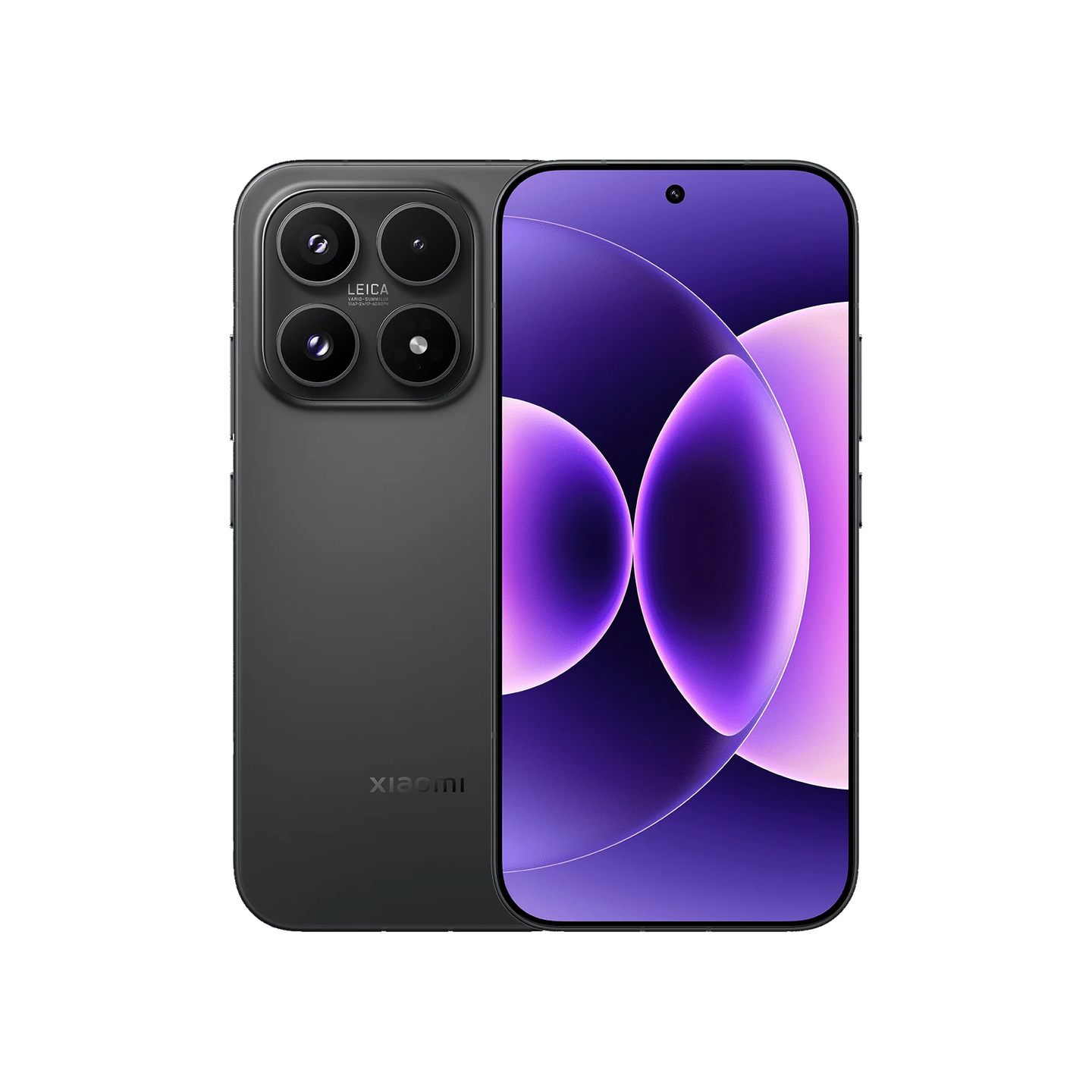
Xiaomi is a broad brand route, so it helps to narrow the search by category before comparing models. The right starting point depends on whether you are upgrading a phone, room, desk or whole home routine.
Xiaomi is broad enough that “shop Xiaomi” is not a complete plan. It can mean a phone, tablet, wearable, robot vacuum, camera, TV, air purifier, power bank or accessory, and each category has a different buying logic.
Quick answer
Use Xiaomi as a broad smart-tech starting point: phones and tablets for mobile upgrades, wearables for daily tracking, robot vacuums and cameras for home tasks, and TVs or accessories for larger setup changes.
Use Xiaomi as a starting route, then narrow quickly by category. A phone decision is about storage, screen and camera; a robot vacuum decision is about floor cleaning and maintenance; a wearable decision is about comfort and battery.
Where to start in Xiaomi
| Need | Collection route | What to check |
|---|---|---|
| Phone upgrade | Mobile phones | Storage, camera, screen size and colour. |
| Wearable | Smart bands | Battery, tracking needs and strap colour. |
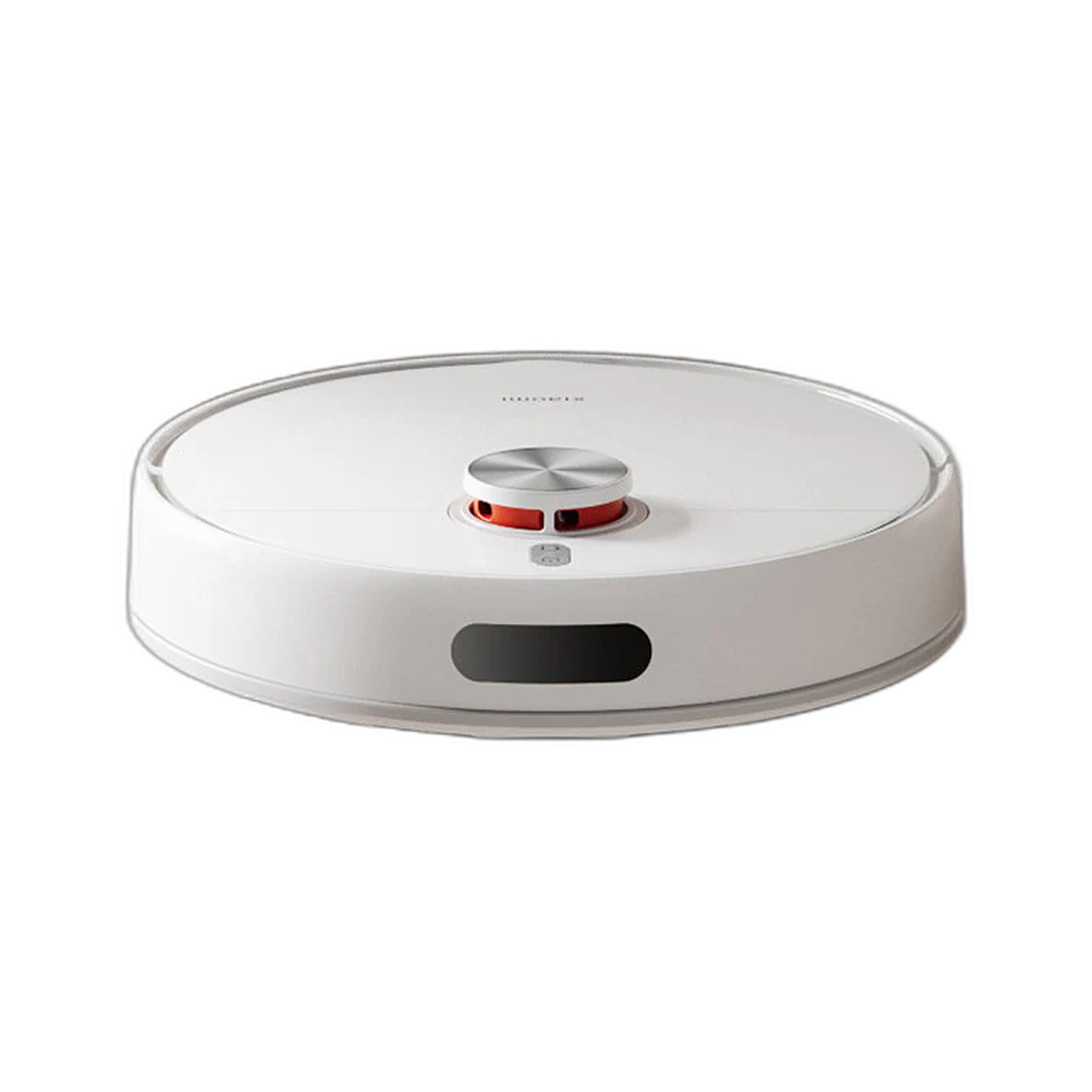
| Home cleaning | Robot vacuums | Mopping, dock, suction and maintenance. |
| Entertainment | Televisions | Screen size, room fit and HDMI needs. |
The category should decide which specs matter. Do not compare a phone and a vacuum using the same thinking. Phones are personal devices; vacuums are household maintenance devices; wearables are comfort and tracking devices.
Why Eraspace is useful for Xiaomi comparisons
A broad catalogue lets shoppers move between categories without starting from scratch each time. That is useful when you are building a setup across phone, home and entertainment products.
A broad Xiaomi catalogue is useful when you are building more than one part of a setup, but it is still best to compare within one category at a time. That keeps the decision clear and avoids spec overload.
Before checkout
- Confirm the exact model name.
- Check selected colour, storage or bundle.
- Read delivery and support notes on the product page.
Xiaomi model names can look similar, so confirm exact naming, storage, colour and bundle before paying. For home devices, also check room fit, app needs and maintenance.
How to narrow Xiaomi without getting lost
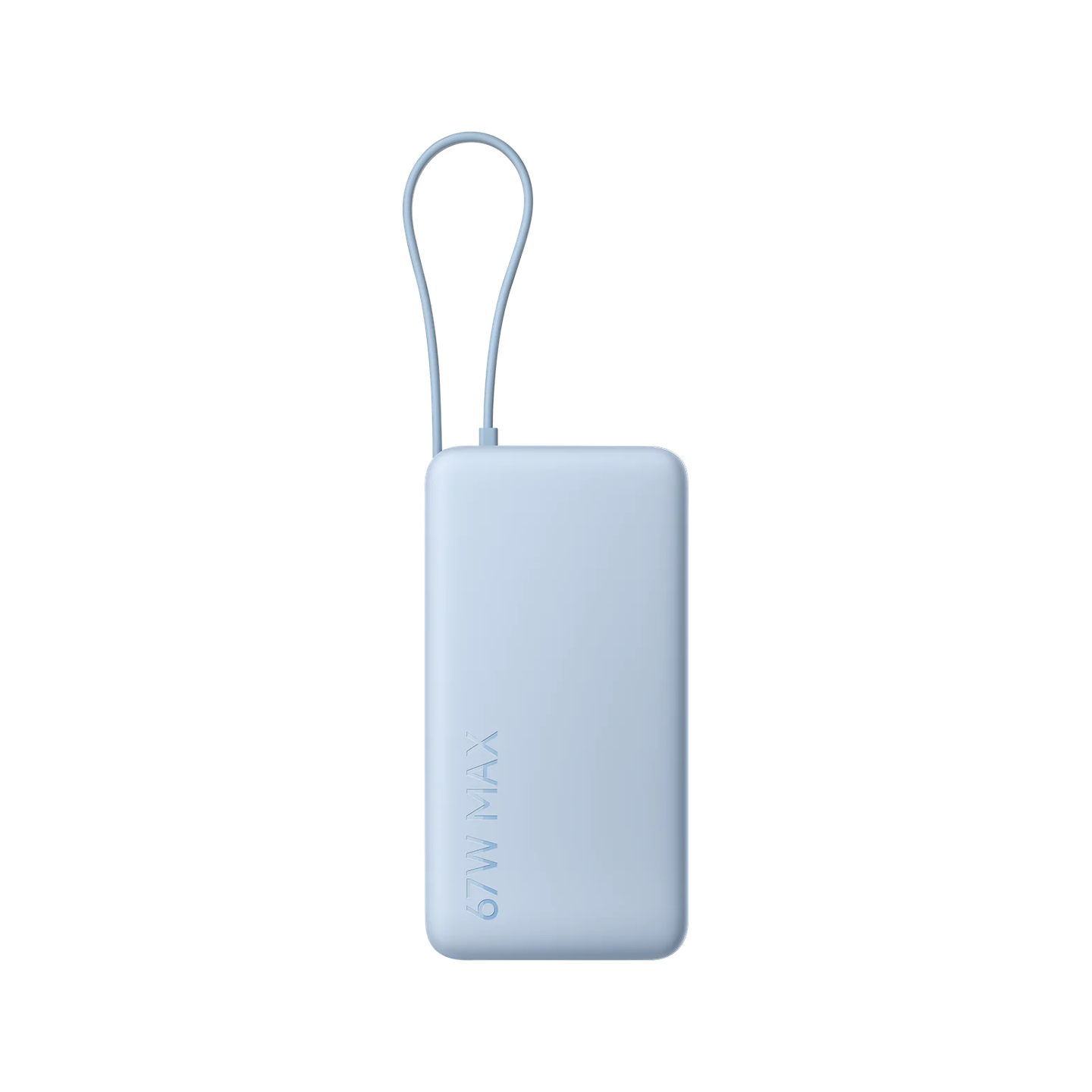
- Choose the category first: phone, wearable, vacuum, TV, camera, router, power bank or accessory.
- Compare models inside the same category, not across unrelated products.
- Decide which spec changes daily use for that category.
- Check variant and support notes before checkout.
- Use the compare page if two products look close.
Common questions about shopping Xiaomi
Is Xiaomi only about phones?
No. Phones are important, but Xiaomi also covers wearables, robot vacuums, TVs, cameras, routers and accessories.
How do I avoid comparing too many products?
Pick the category first, then compare a small number of models that fit the same use case.
Why does Xiaomi feel hard to compare?
Because the brand spans many categories. The fix is to stop comparing the whole brand and compare only the product type you actually need.
What Xiaomi product should a new shopper start with?
Start with the product tied to the clearest need: a phone upgrade, a daily wearable, a robot vacuum for cleaning, a camera for monitoring or a TV for entertainment.

Leave a comment
This site is protected by hCaptcha and the hCaptcha Privacy Policy and Terms of Service apply.